
Search your footage the way you remember it.
Stop scrubbing bins and guessing filenames. Describe what you need in plain words. Tempo puts you on the exact frame, all inside your editor.
Early access opening in waves.
TEMPO
6 shots · ranked by match

golden hour aerial over downtown4s
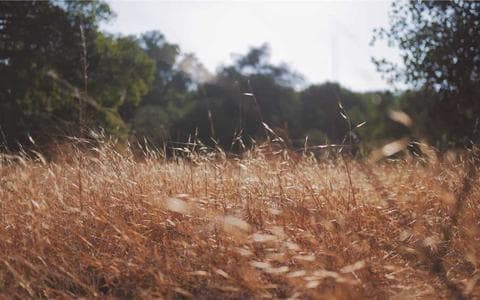
slow descent toward rooftop level6s
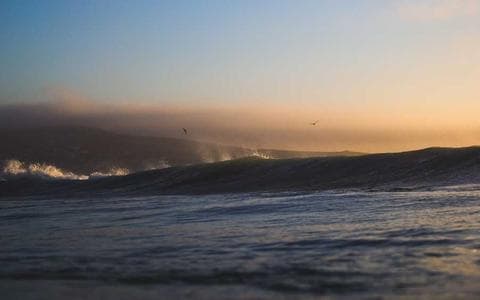
hazy sun between two towers3s

river bend, warm sidelight5s

night skyline from the bridge7s
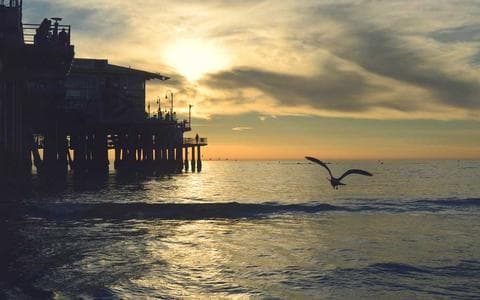
aerial follow along the highway9s
Same footage. One takes hours, the other takes seconds.
Without Tempo2 hours
00:00:00
- 01Scrub the bin, clip by clip
- 02Preview 40 clips to find six seconds
- 03Rename what you need so you don't lose it again
- 04Then the software crashes for the 3rd time
Heavy, manual, overwhelming.
With Tempoless than 10s
00:00:00found 20x faster

golden hour aerial over downtown
4s

slow descent toward rooftop level
6s
hazy sun between two towers
3s
Shot in the timeline, marker placed.
Identical footage, identical query, wildly different results.
See it work.
A full pass through Tempo in After Effects: type what you want, click a result, land on the timeline.
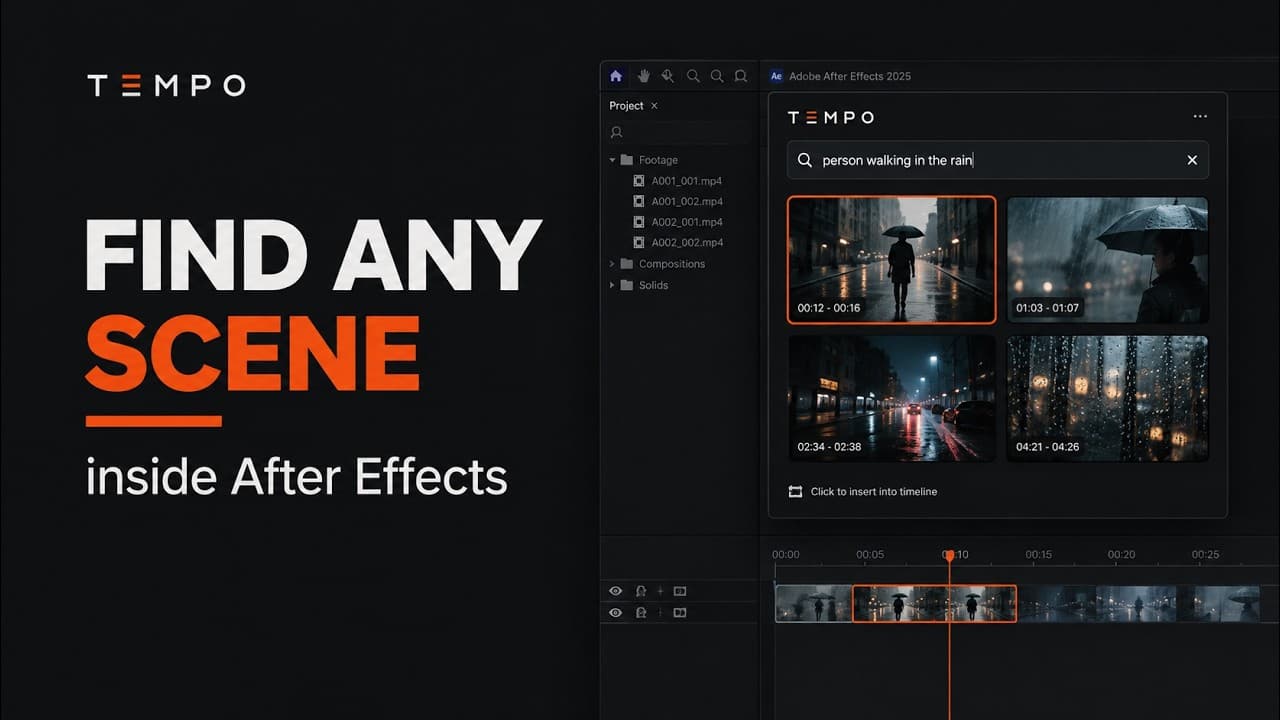
After Effects first. The rest of your suite next.
Which editor should we build next?
After Effects
Native panel, macOS and Windows.
Available at launch
Premiere Pro
Same search, applied to sequences.
Ongoing

DaVinci Resolve
Cut and Fairlight pages included.
Ongoing
Straight answers.
Stop scrubbing. Start describing.
Join the waitlist for early access to Tempo for After Effects, and first dibs when Premiere Pro and DaVinci Resolve arrive.